Powered by Chrome AI — 100% Free

Read. Translate.
Remember.

Translate text instantly while reading any webpage. Build your personal vocabulary and learn with flashcards. 39 languages. No accounts, no tracking, no ads.
Add to Chrome — FreeLearn more ↓
Worta promo card 8
Worta promo card 1
Worta promo card 2
Worta promo card 3
Worta promo card 4
Worta promo card 5
Worta promo card 6
Worta promo card 7
Worta promo card 8
Worta promo card 1

Features

All Worta features

Complete capabilities across translation, vocabulary, flashcards, voice playback, themes, 39 languages, and privacy-first local storage.

Translation

Instant translation everywhere: tooltip, popup, context menu, and smart fallback engines.

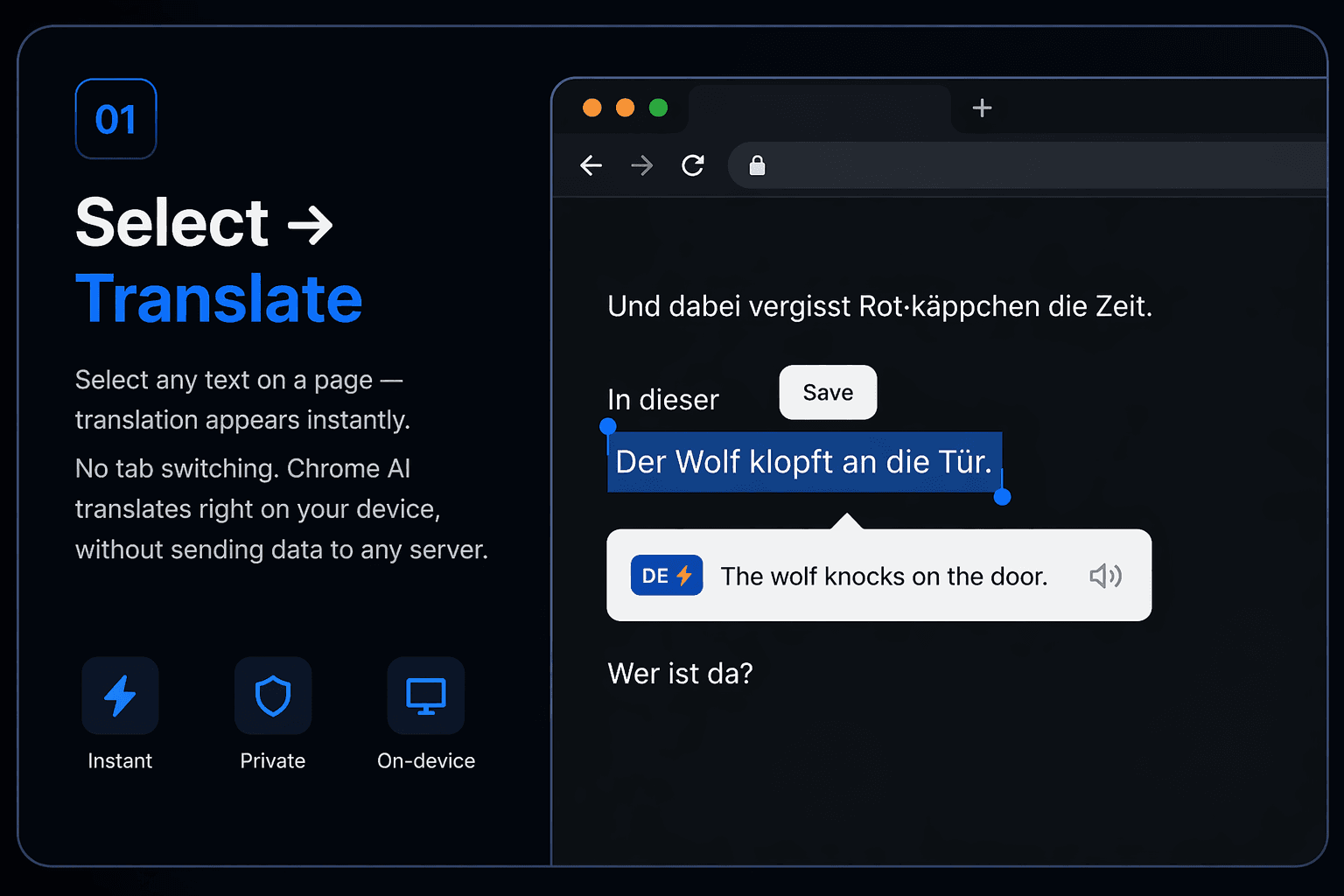
  • Instant translation of selected text on any webpage (tooltip)
  • Translation in extension popup (manual input)
  • Chrome AI Translator for on-device translation (no server roundtrip)
  • MyMemory API fallback when Chrome AI is unavailable
  • 39 supported languages with automatic language detection
  • Source and target language selection with swap button
  • Context menu action: Translate with Worta

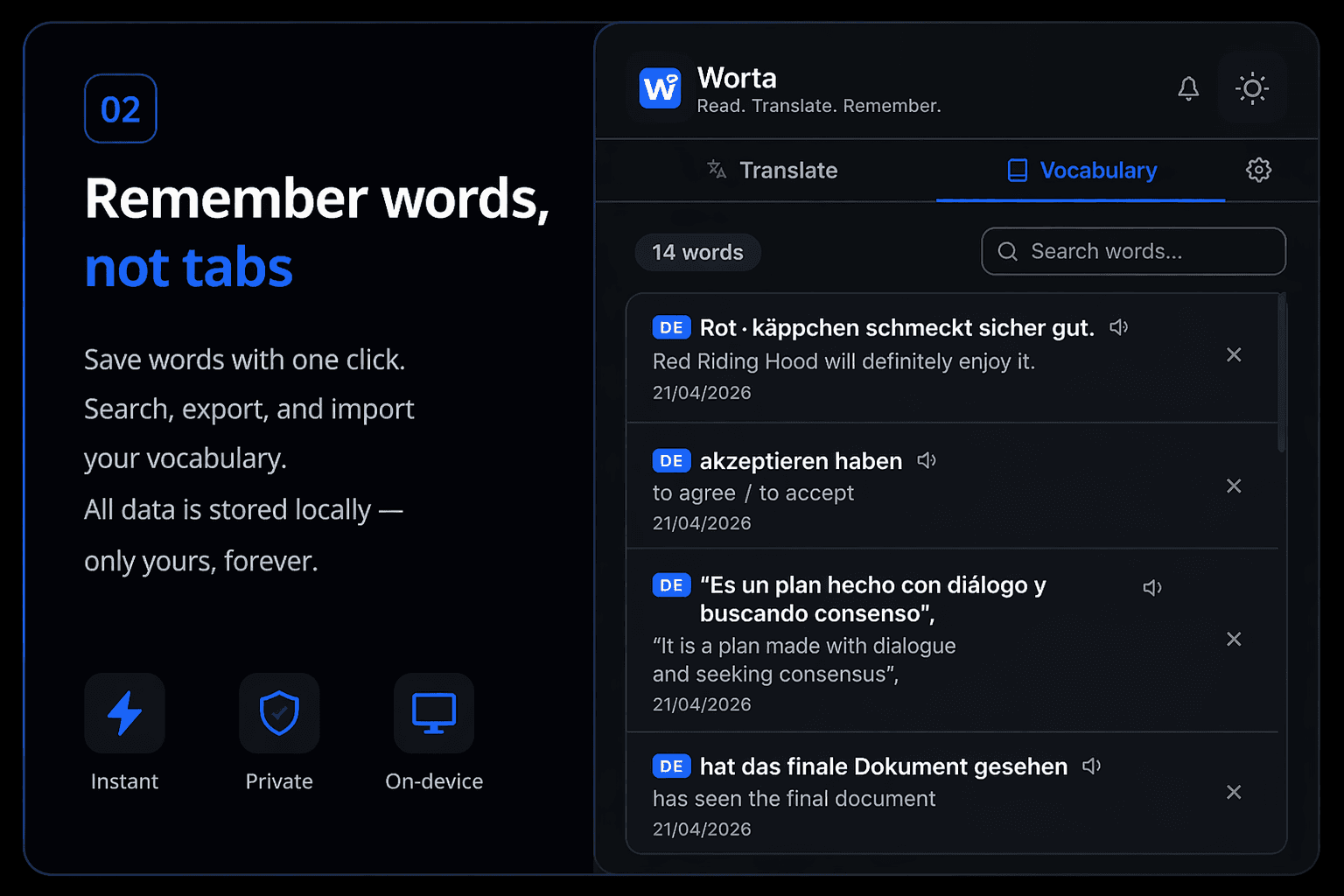
Vocabulary

Build and manage your personal dictionary with full import/export control.

  • One-click word saving with translation
  • Vocabulary search
  • Dictionary export to JSON
  • Dictionary import
  • Delete individual words
  • Clear the entire dictionary
  • Added date for each saved word

Statistics

See what you have collected and focus on exactly the vocabulary you want to review.

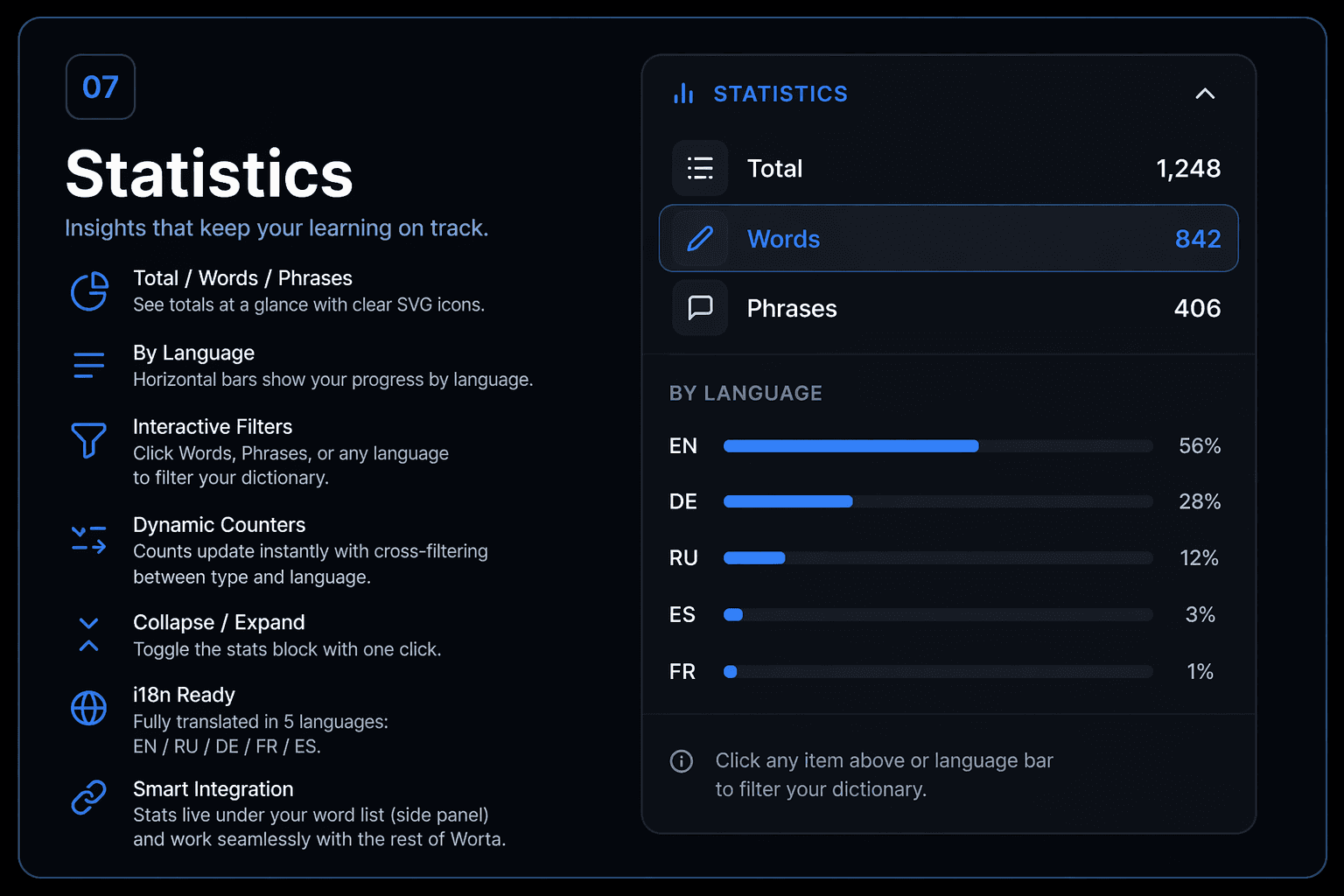
  • Statistics block in popup and side panel
  • Total, words, and phrases counters with quick visual overview
  • Language breakdown with progress bars
  • Interactive filters by type and language
  • Live counters that update with your active filters
  • Collapsible section to keep the panel clean
  • Available in all 39 interface languages

Flashcards

Turn saved vocabulary into spaced repetition practice directly inside Worta.

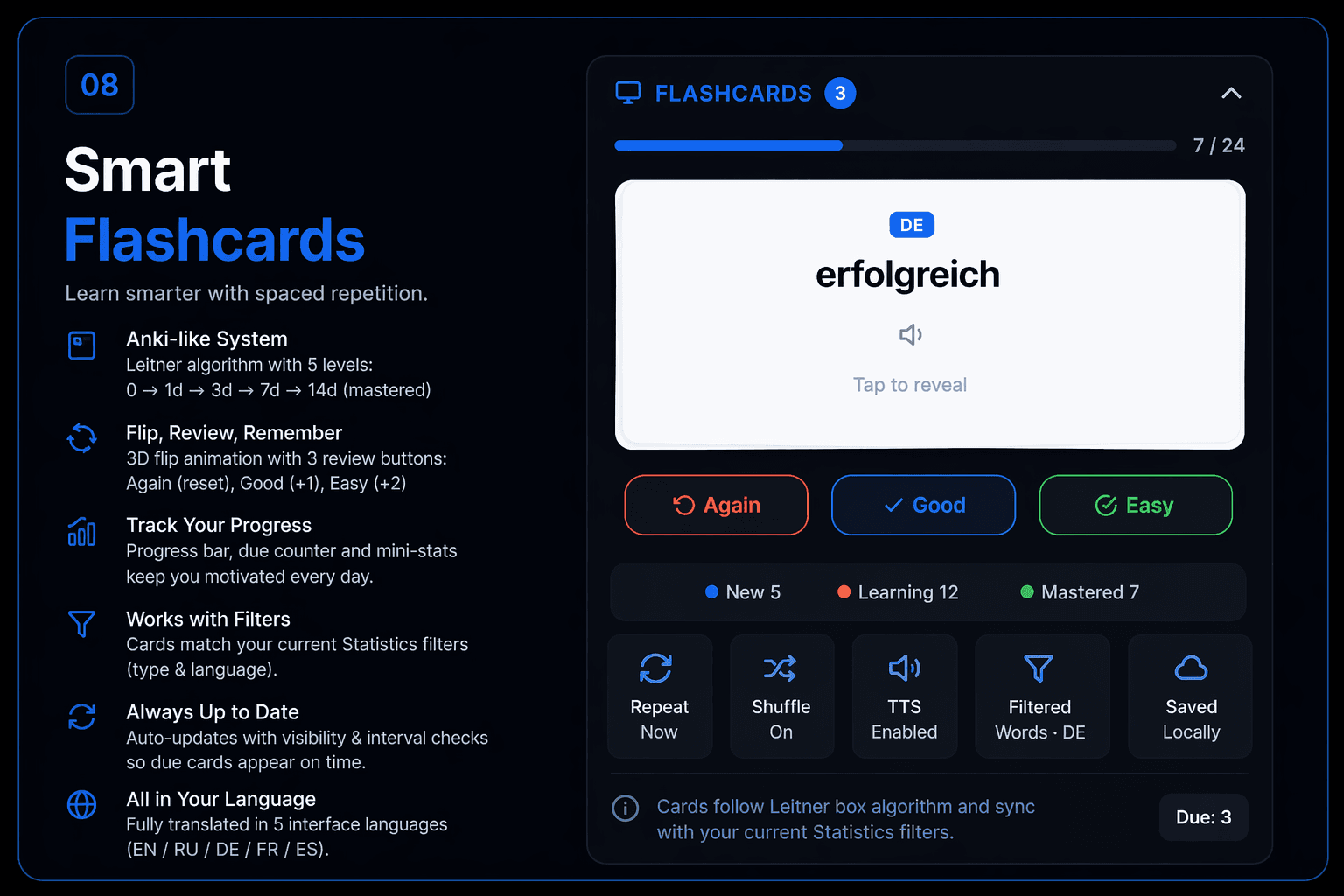
  • Anki-style flashcards for review
  • Tap to reveal with smooth card flip animation
  • Again, Good, and Easy review buttons
  • Progress bar and done counter during review session
  • New, learning, and mastered card states
  • Due badge so you can see what is ready to review
  • Pronunciation button on flashcards
  • Restart review anytime
  • Flashcards respect your active vocabulary filters
  • Collapsible section to keep the interface clean

Text-to-Speech

Listen to correct pronunciation with the best available voice for each language.

  • SpeechSynthesis API voice playback for original text and translation
  • Auto-play TTS option in settings
  • Pronunciation button on flashcards

Interface

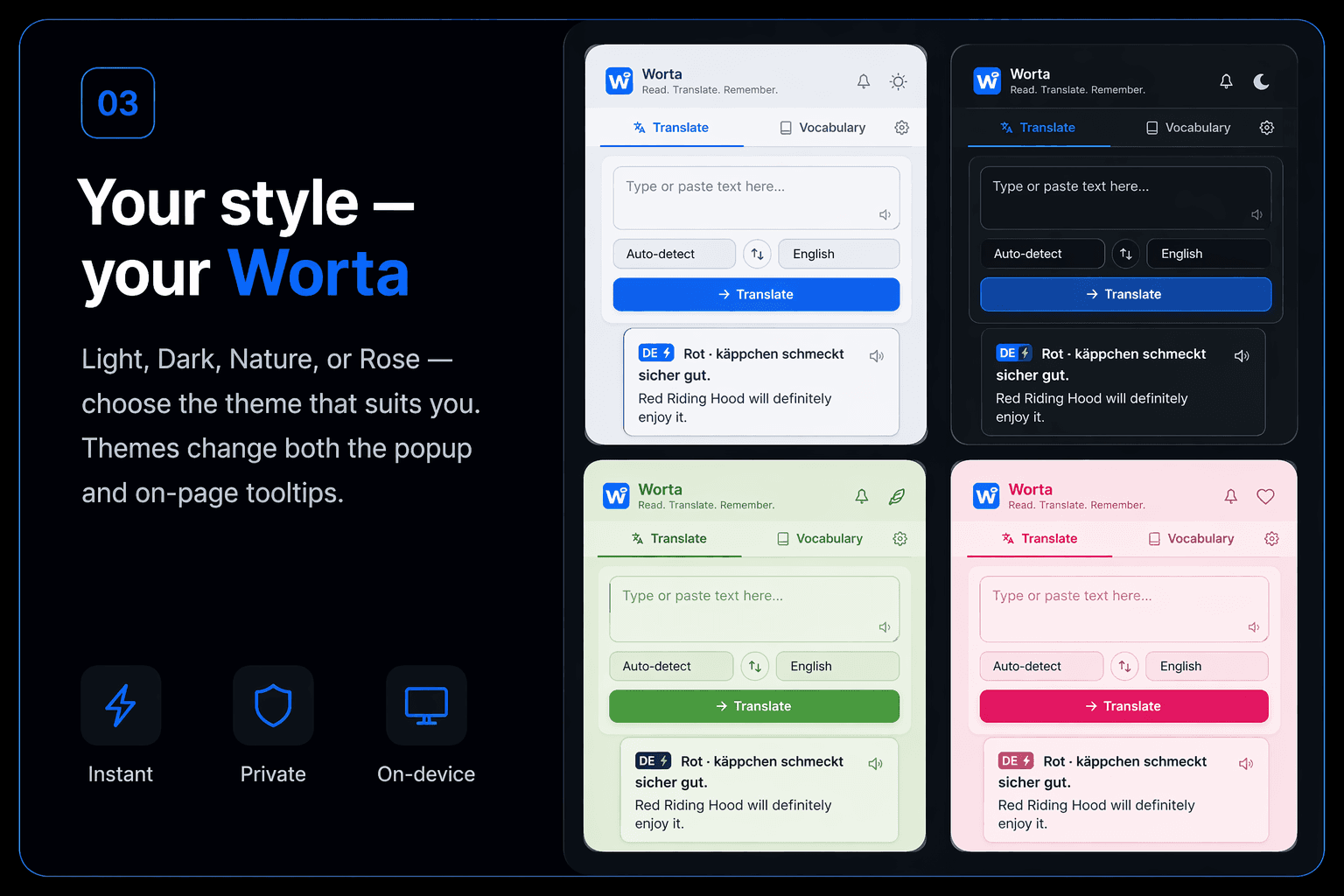
Flexible layout and themes across popup and in-page tooltips.

  • 4 themes: Light, Dark, Nature, Rose
  • 6 highlight colors to choose from
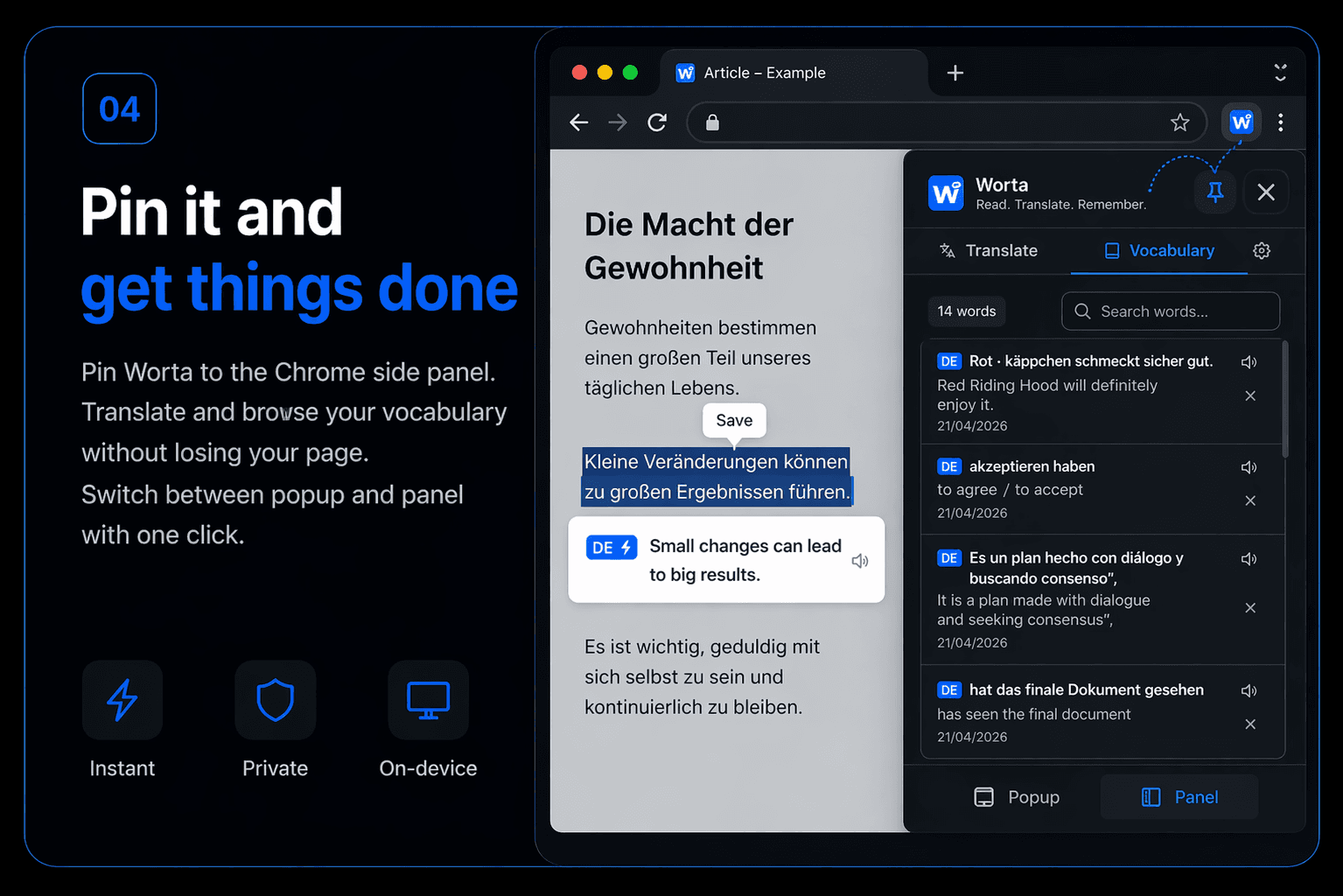
  • Side Panel support in Chrome
  • Pin/Unpin switch between popup and side panel
  • 4 input modes: auto, button, keyboard shortcut (Ctrl+Shift+X / ⌘+Shift+X), off
  • Accessibility mode with high contrast and larger text
  • Themes apply to both popup and webpage tooltips

Localization

Full interface and content script translations in 39 languages.

  • 39 interface languages: EN, RU, DE, FR, ES, PT, IT, PL, TR, UK, JA, KO, ZH, NL, SV, HI, AR, DA, FI, RO, CS, HU, EL, TH, VI, BG, HR, ID, SK, SL, BN, IW, KN, LT, MR, NO, TA, TE, ZH-Hant
  • Content script tooltips translated in all 39 languages
  • Auto-detection of macOS for shortcut labels (⌘ instead of Ctrl)

Privacy & More

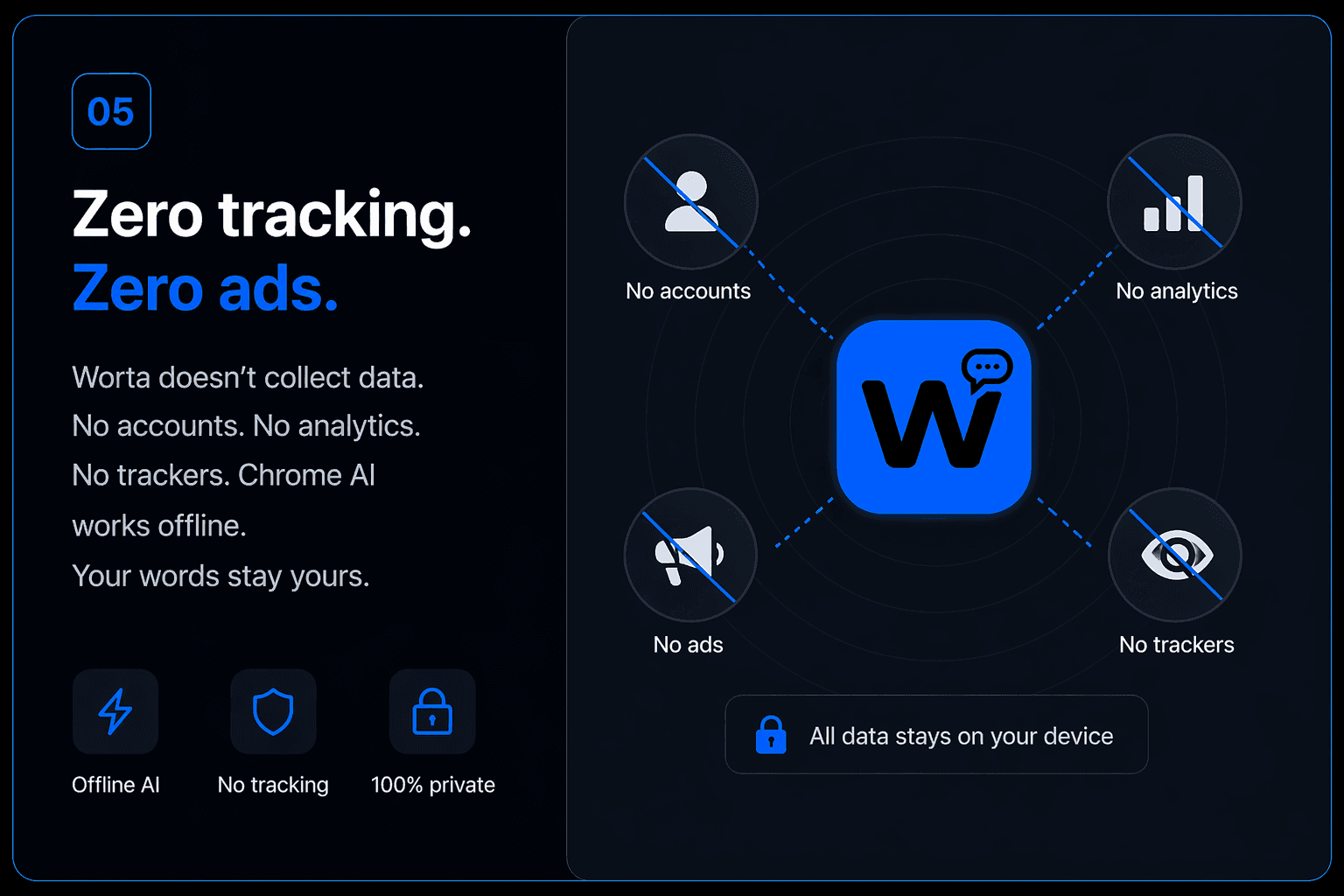
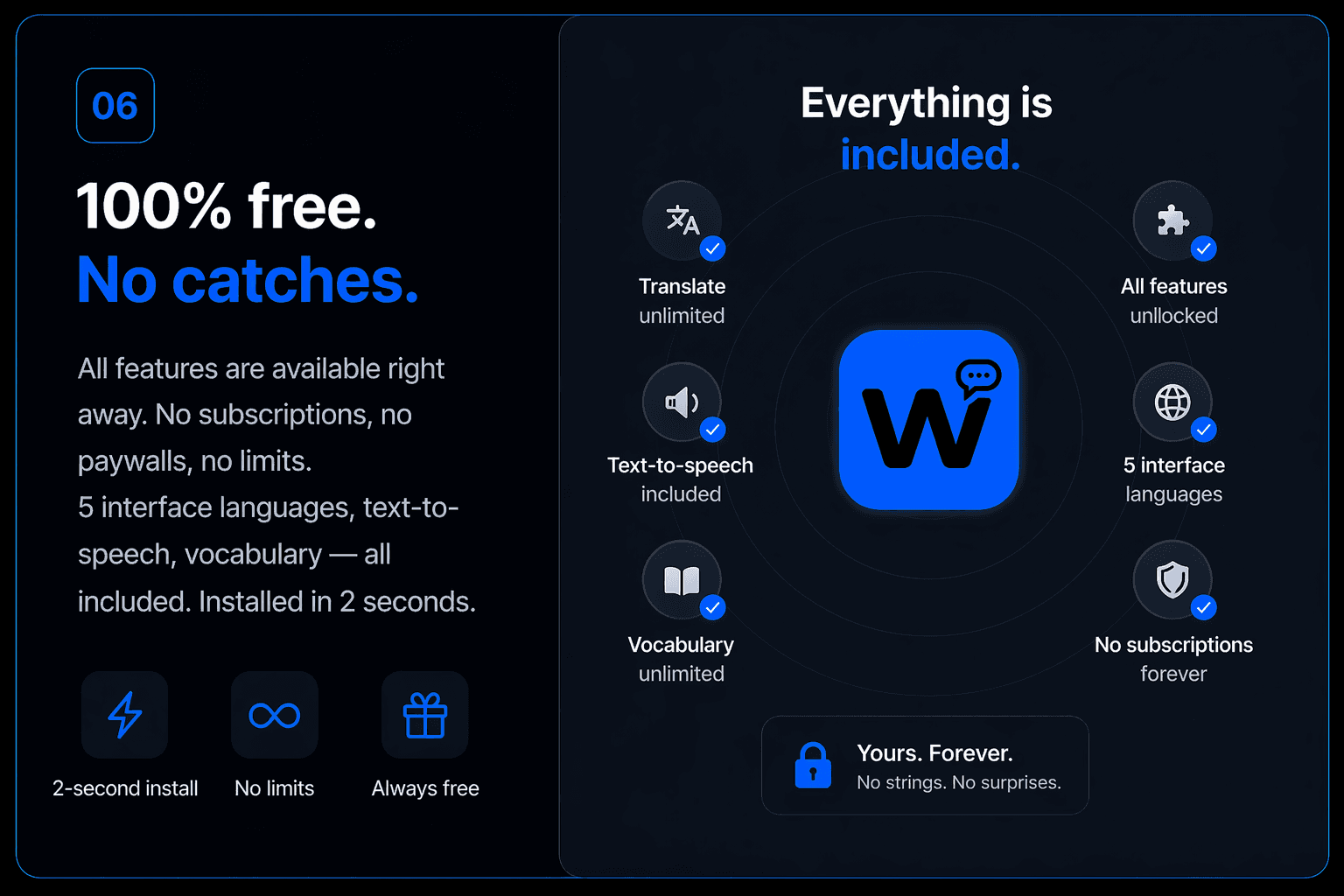
Privacy-first and free forever. All data stays on your device — no tracking, no servers.

  • 100% free: no ads, no accounts, no tracking
  • All data is stored locally in chrome.storage.local
  • Word highlight: click any saved word to highlight all occurrences on the page
  • Import & export vocabulary as JSON
  • Chrome AI (Gemini Nano) Prompt API for word details

How it works

Start in 30 seconds

No sign-up. No configuration. Just install and go.

1

Install from Chrome Web Store

Click "Add to Chrome" — takes 2 seconds. Worta works immediately on all websites.

2

Select text on any page

Highlight a word or sentence. A translation tooltip appears instantly — powered by Chrome AI or MyMemory API. Works in 39 languages.

3

Save to your vocabulary

Click the save button to add the word to your personal dictionary. Review, search, and export anytime.

Personalization

4 beautiful themes

Choose the look that fits your style. All themes apply to both the popup and on-page tooltips.

Worta icon

Worta

Read. Translate. Remember.

Type or paste text here...

English
Russian

Ready to read without barriers?

Join thousands of learners who translate and collect vocabulary with Worta. Free forever.

Install Worta — It's Free